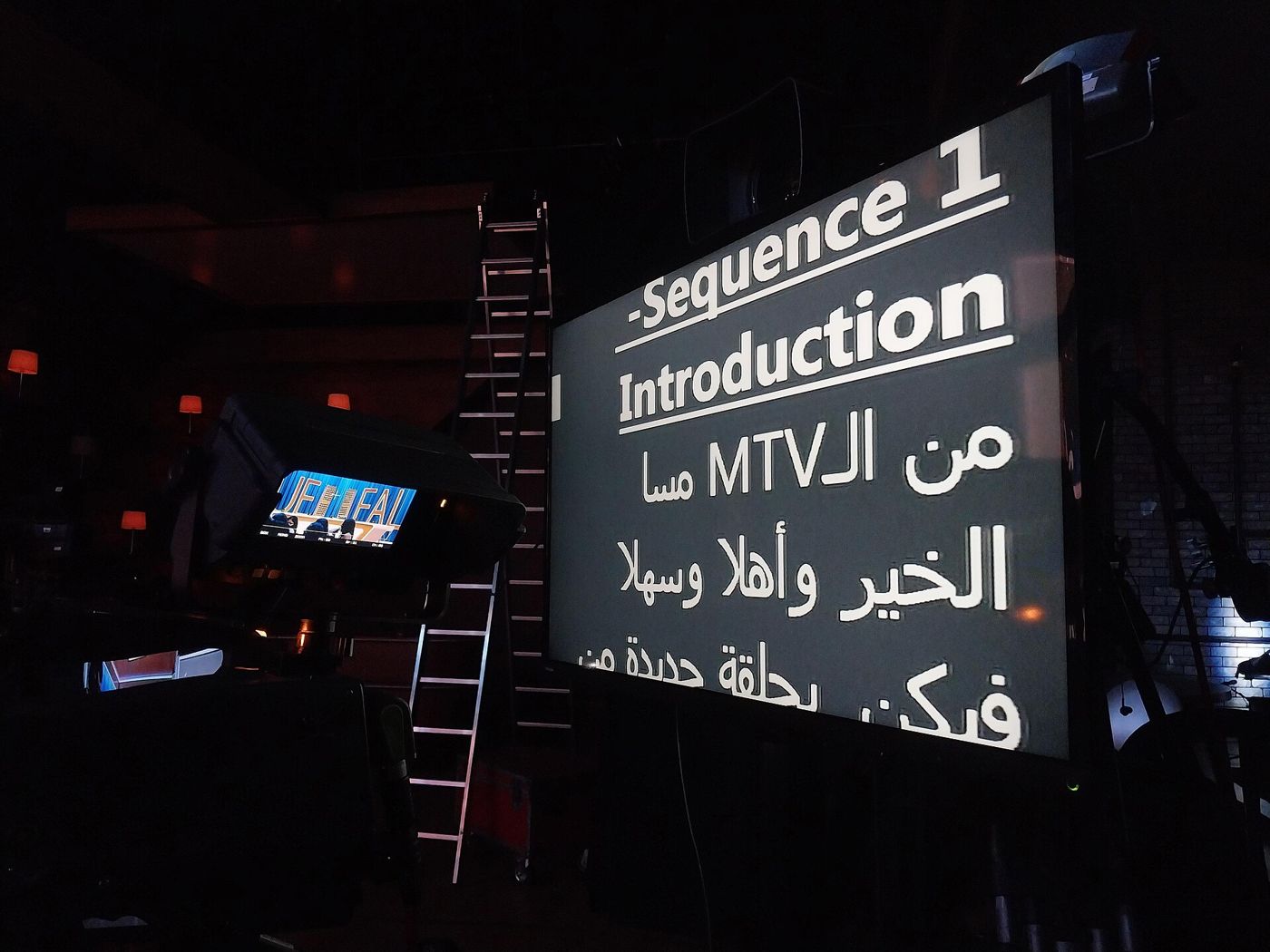
Scroll speed is the setting that makes or breaks a teleprompter recording. Too fast and you rush, swallow words and sound nervous. Too slow and you start pausing mid-sentence, waiting for the next line to appear. The right speed is the one that matches how you naturally talk, and that is easier to find once you think in words per minute.
This guide covers typical speaking rates, how to pick a pace for the kind of video you are making, how many words fit in common video lengths, and how to fine-tune the speed while you rehearse.
What is a natural speaking speed?
Conversational speech in English usually falls somewhere around 130 to 160 words per minute. That is the pace of someone explaining something to a friend: clear, relaxed and easy to follow. Some people naturally talk faster, and plenty of energetic presenters go above 160, but for most videos this range is a safe target.
Slower is often better than you think. On camera, viewers cannot interrupt you or ask you to repeat something, so a slightly unhurried pace gives them time to take in what you are saying.
Choosing a pace for your video
The right speed depends on what you are saying and who is listening. Here is a simple guide:
- Instructional and tutorial videos: about 110 to 130 words per minute. Viewers are following steps, so give them room.
- Audiences listening in a second language: about 110 to 130 words per minute, with clear pauses between ideas.
- Everyday talking-head videos, updates and vlogs: about 130 to 160 words per minute.
- Short, punchy social clips and promos: about 150 to 170 words per minute, as long as every word stays clear.
- Serious or emotional messages: toward the slower end, around 110 to 130 words per minute, with longer pauses.
These are starting points, not rules. If your natural rhythm is a little faster or slower, go with it. Sounding like yourself matters more than hitting an exact number.
How many words fit in a video script?
Once you know your pace, script length becomes simple arithmetic: words per minute multiplied by minutes. At a conversational 140 to 160 words per minute, one minute holds about 140 to 160 words. Half a minute holds half that.
Here is a quick reference at a conversational pace (140 to 160 words per minute) and a slower, instructional pace (110 to 130 words per minute):
- 15 seconds: about 35 to 40 words conversational, 28 to 33 words slower.
- 30 seconds: about 70 to 80 words conversational, 55 to 65 words slower.
- 60 seconds: about 140 to 160 words conversational, 110 to 130 words slower.
- 90 seconds: about 210 to 240 words conversational, 165 to 195 words slower.
- 3 minutes: about 420 to 480 words conversational, 330 to 390 words slower.
- 5 minutes: about 700 to 800 words conversational, 550 to 650 words slower.
Remember that pauses take time too. If your script has a few deliberate beats, or you plan to show something on screen while you stay quiet, aim for the lower end of each range. A 60 second clip with a pause after the opening and another before the call to action is more comfortable at around 130 words than at 160.
If you are writing the script from scratch, our guide on how to write a video script covers how to write lines that are easy to say out loud at these speeds.
Paste your draft into a word counter before you rehearse. If a 60 second script is over 170 words, cut it rather than speeding up the scroll.
How teleprompter speed settings relate to words per minute
Most teleprompter apps do not show speed as words per minute. They use a slider or a number that controls how fast the text moves on screen. The words per minute that slider produces depends on your text size, line spacing and margins. Bigger text means fewer words on each line, so the same scroll speed shows fewer words per minute.
That is why it is worth setting your text size and margins first, then the speed. If you change the text size later, expect to adjust the speed again. In Eyecue, text size, line spacing, margins and scroll speed all sit in the same settings, so you can tune them together while looking at your actual script.
How to find your speed while rehearsing
The quickest way to land on the right speed is to time yourself, then let the text follow you rather than the other way round.
- Take a script of known length, ideally around 150 words.
- Read it aloud at your natural pace with a timer running, without the teleprompter.
- Divide the word count by the minutes it took. 150 words in 65 seconds is roughly 138 words per minute.
- Set the teleprompter a touch slower than feels right and read the same script.
- If you catch up with the text or find yourself waiting, speed it up a small step. If you are reading near the bottom of the text, slow it down.
- Repeat until you are reading comfortably from the same spot near the top, close to the camera.
The goal is that your eyes stay in one small area near the lens. If they keep drifting down the screen, the text is too slow. If they keep jumping up to find the current line, it is too fast.
Adjusting speed mid-recording
Even with a good setting, your pace will vary. You will slow down on a tricky sentence and speed up on a familiar one. A few options make this easier:
- Pause and resume. With a Bluetooth remote, keyboard or foot pedal, you can pause the scroll during a long breath or a demo without touching the phone.
- Voice scroll. Some apps follow your voice instead of a fixed speed. Eyecue's voice scroll moves the script as you speak, in English, French, Spanish and Arabic, so you can slow down or pause and the text waits.
- A delay before scrolling. A few seconds of stillness at the start lets you look at the lens and begin calmly, rather than chasing the first line.
Common speed mistakes
- Setting the speed to match how fast you read silently. Reading in your head is much faster than speaking.
- Speeding up the scroll to fit a long script into a short time. Cut words instead.
- Never changing the speed after the first try. Your second or third rehearsal is usually faster and smoother than your first.
- Using tiny text so more words fit. It increases eye movement and makes reading more obvious on camera.
Speed is just one part of looking natural. For the full set-up, from phone height to countdown, see how to use a teleprompter app. And if you want a teleprompter that scrolls right under the front camera with adjustable speed and voice scroll, try Eyecue.
Questions
What is a good speed for a teleprompter?
A good speed is your natural speaking pace, which for most people is about 130 to 160 words per minute. For tutorials or audiences listening in a second language, 110 to 130 words per minute is more comfortable.
How many words is a 1 minute video script?
About 140 to 160 words at a conversational pace, or about 110 to 130 words if you speak more slowly or include pauses.
How many words is a 30 second script?
Around 70 to 80 words at a conversational pace. Aim for 60 to 70 if you want room for a pause or two.
How many words is a 3 minute speech?
Roughly 420 to 480 words at 140 to 160 words per minute, or 330 to 390 words at a slower 110 to 130 words per minute.
Eyecue scrolls your script right under the camera, so you read while looking into the lens.